


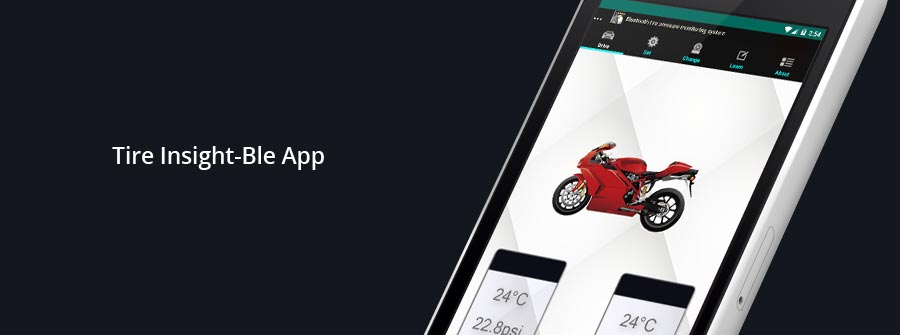
We believe a real-time warning on the rear view mirror is the most appropriate way for time sensitive matter such as a sudden abnormal tire pressure.
However, there is also an application that can be used to check data through a smartphone.
<Operation System Required>
TPMS system supports both iOS & Android mobile phone.
| Compatible | Operation System | App Download | |
|---|---|---|---|
| iPhone | iPhone 4S or later | iOs 8.0.2 or later | Apple App Store |
| Android | Android smart phone | Android 4.4 or later | Google Play Store |
<Download>
- Search in the Google Play Store or Apple App Store by the keyword ”Tire Insight” in order to find the free app.
iPhone 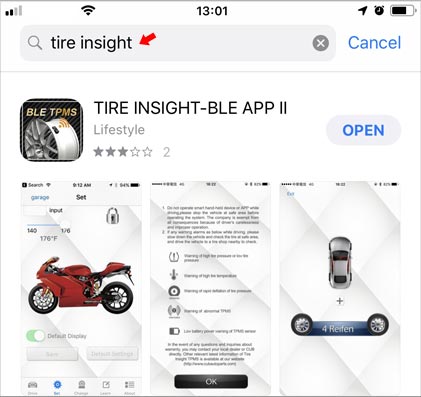
Android 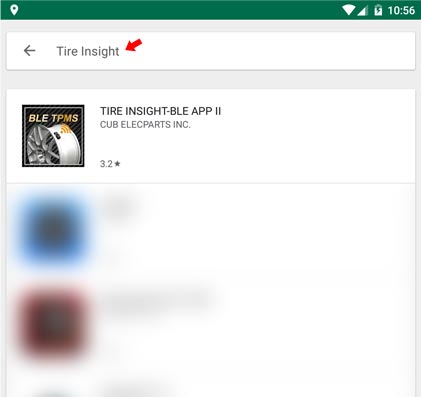
- Open the app after installation is completed. A statement window will pop up if Bluetooth is not activated, please make Bluetooth activate to enable the app. In iOS mobile phone, please make the “Location Services” activate, which is located in “Settings/ Privacy”.
iPhone 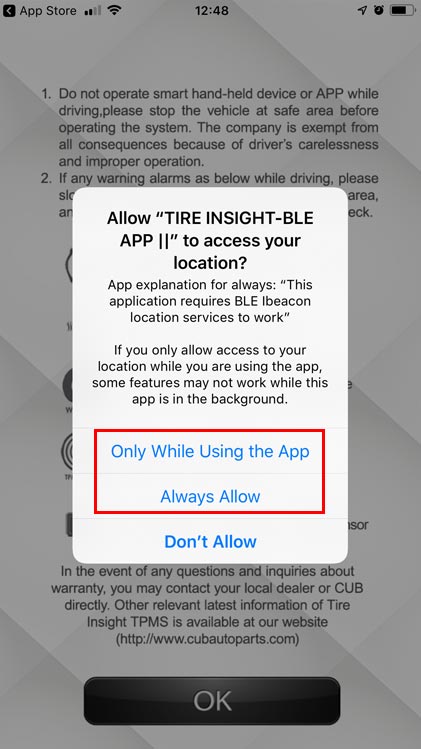
Android 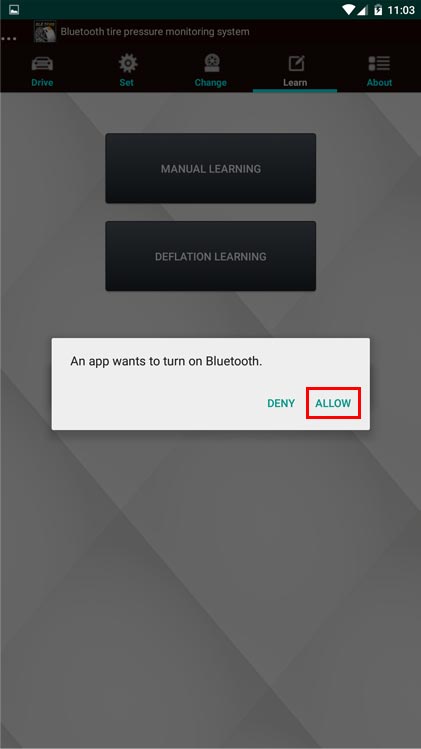
<Learning Setting>
- Double click app. (Please make sure the Bluetooth function is activated.)
- Product notice items and warning symbol, please press “OK” for the following procedure
iPhone 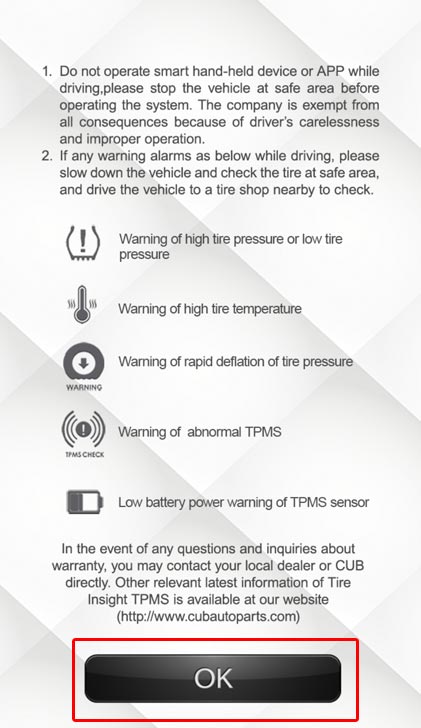
- New Vehicle Adding Procedure
iPhone 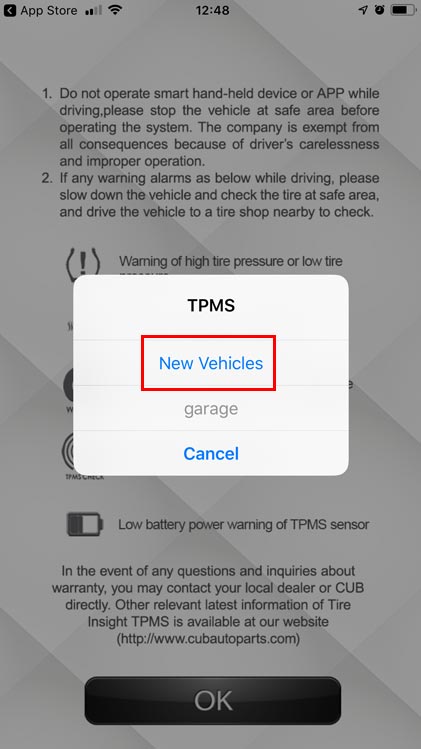
Android 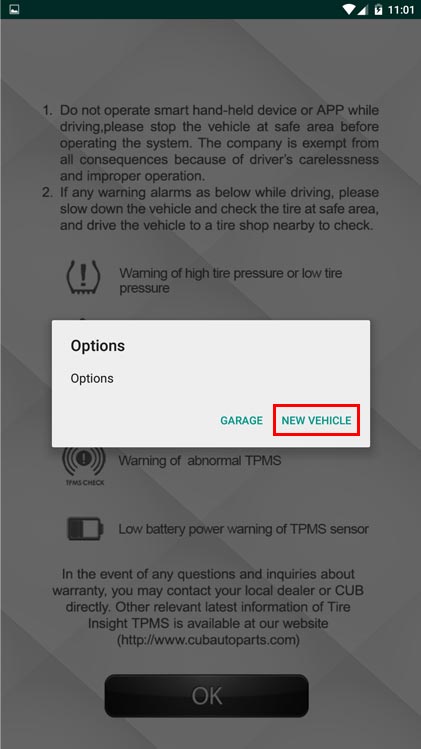
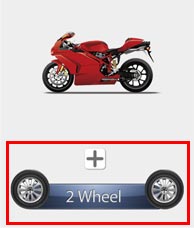
<New Vehicle Adding Procedure> (Demonstration motorcycle setting only)
- We choose a motorcycle (2 Wheel) to go through this setting guide.
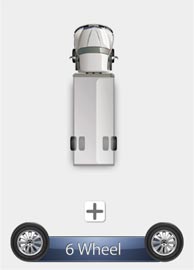
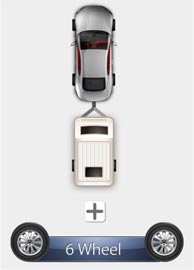
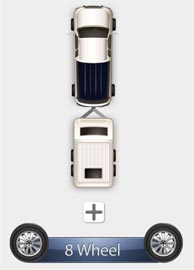
<ID Learning: Deflation Learning>
- It has two choices for ID learning after the vehicle is chosen.
iPhone 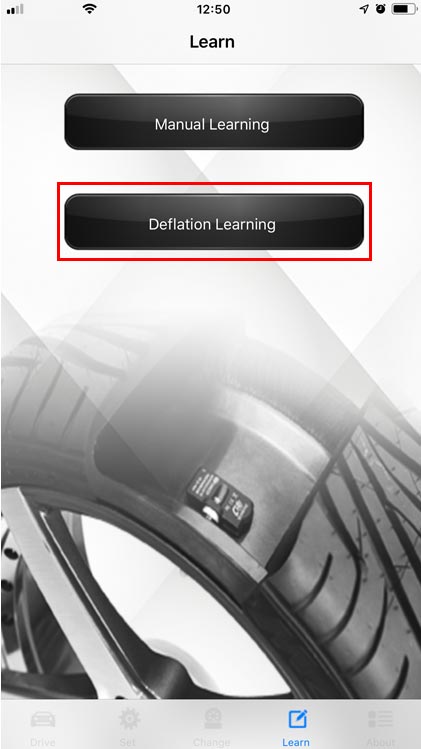
Android 
- Choose front tire, deflate the tire pressure for 20 seconds, the APP will look for the sensor signal, showing the “Learning” on the dialogue display of the tire. When it finds the signal, it will show a new ID number on the dialogue display. You could press “OK” for finishing this step or press “Cancel”. This function will give 120 seconds of time span to perform this step.

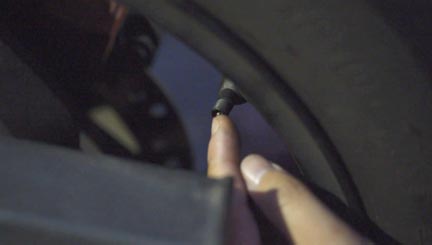
- Set up the ID learning for the rear tire in the same way. Press “save” when all sensors learning is completed.
<ID Learning: Manual Learning>
- It has two choices for ID learning after the vehicle is chosen.
iPhone 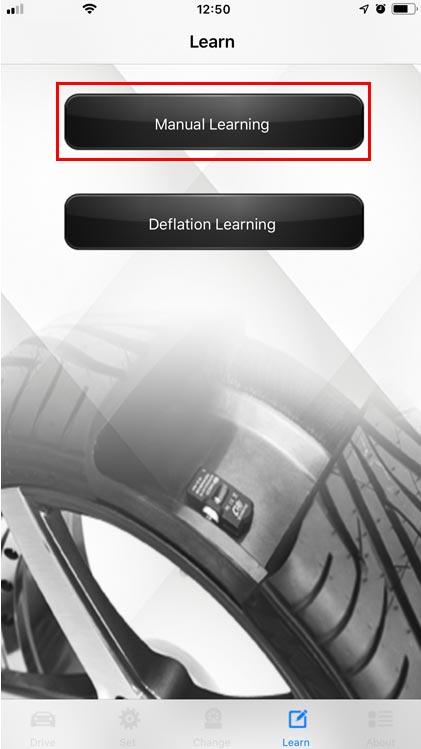
Android 
- Choose the front tire.
iPhone 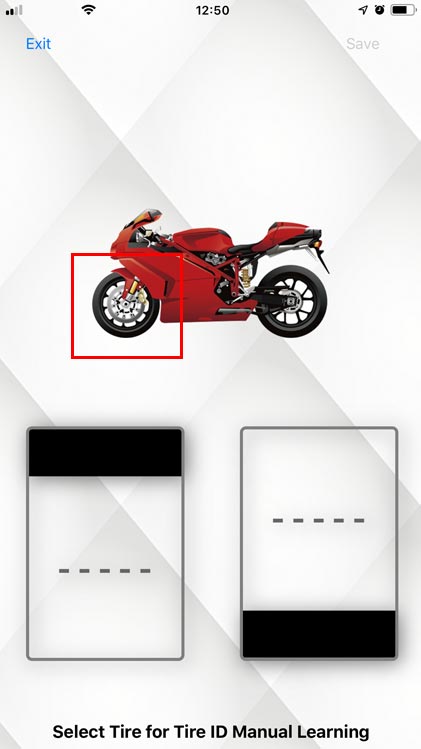
Android 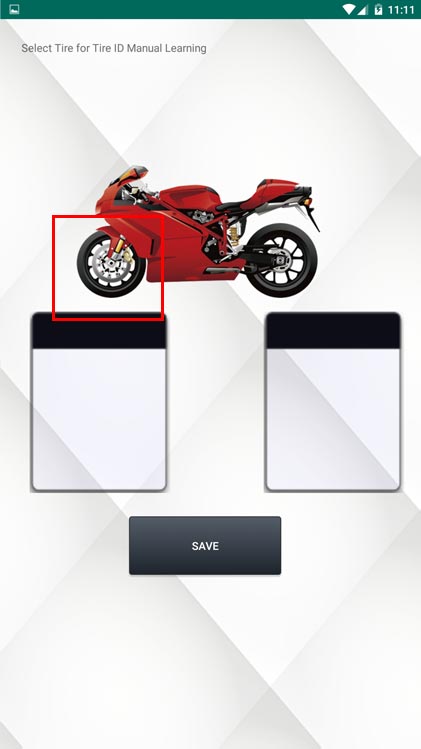
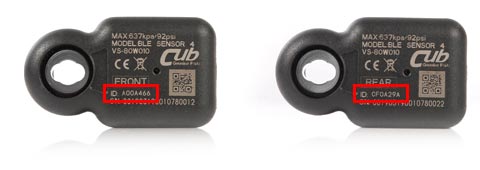
- Please key in the sensor ID. Note: The ID number on the sensor is a total of 7 characters.
iPhone 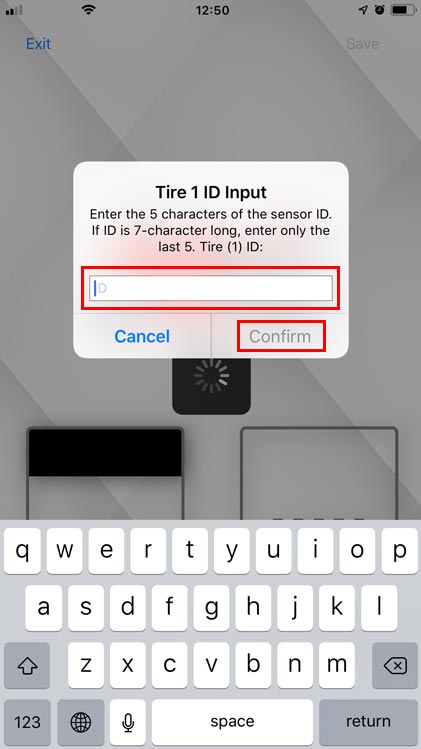
Android 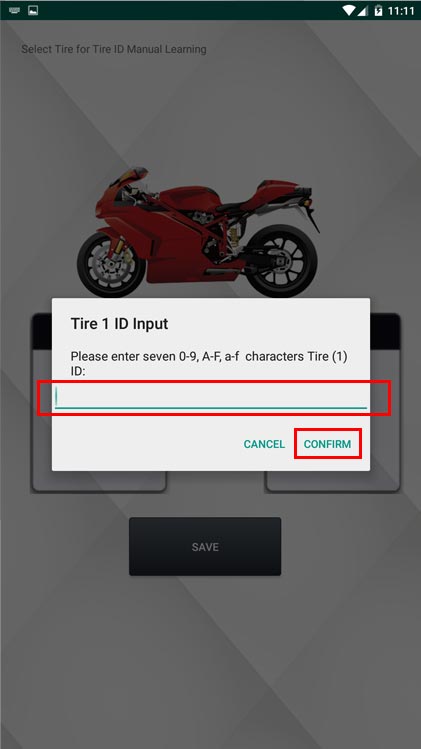
- The other tire need to assign the sensor ID.
iPhone 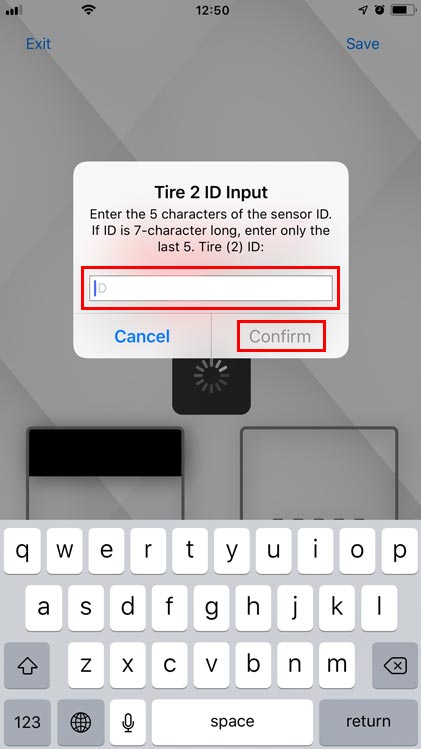
Android 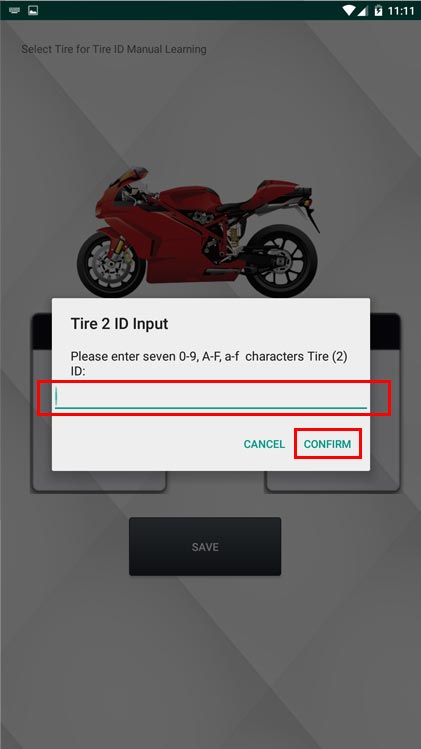
- Learning finished.
iPhone 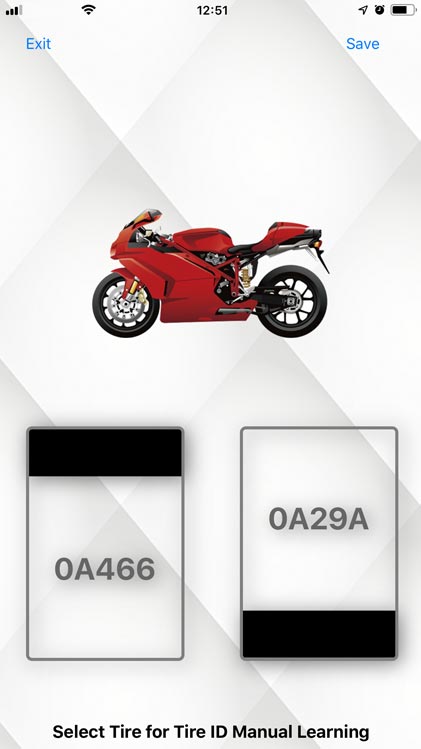
Android 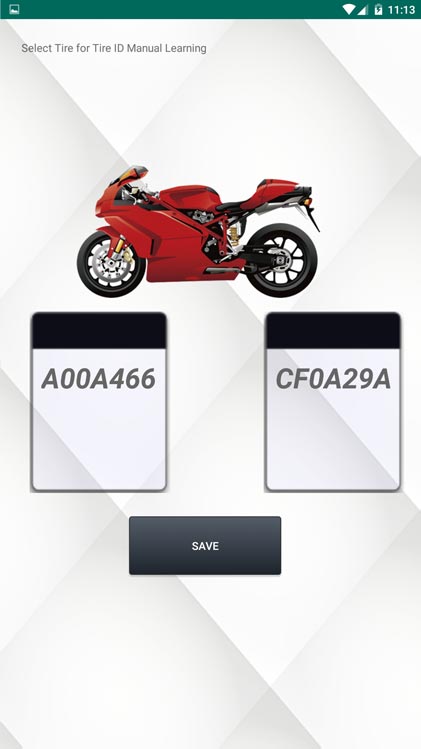
<Set>
- First, you need to unlock the system setting by pressing the “lock” icon.
iPhone 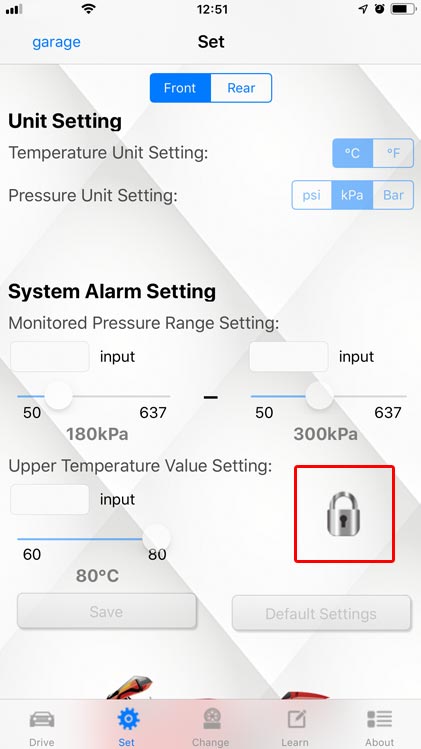
Android 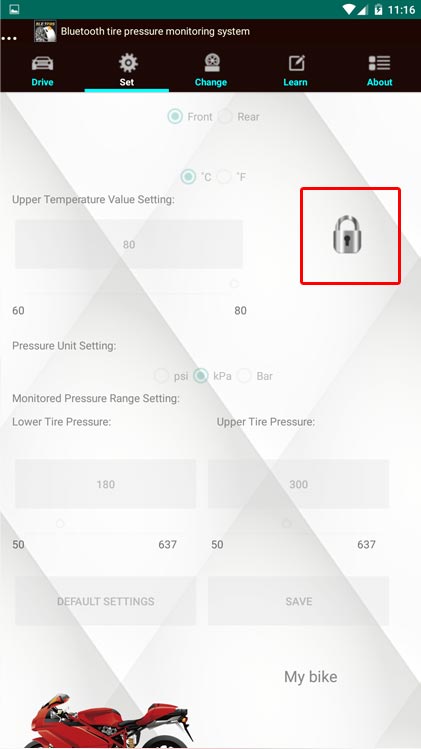
- Change settings on the “Front” “Rear” wheel, then press “save” to save settings.
iPhone 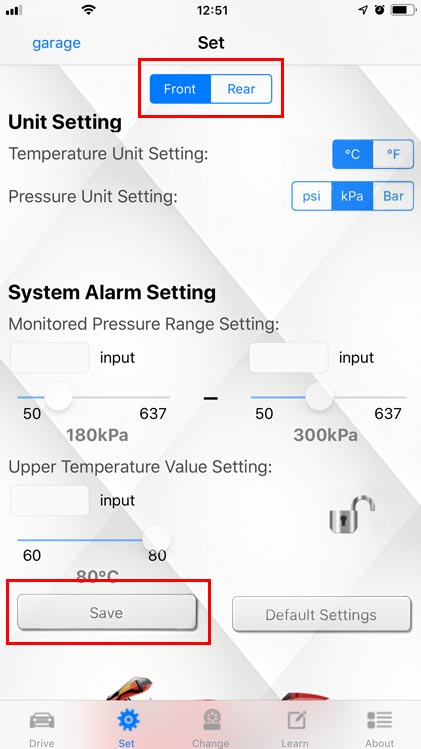
Android 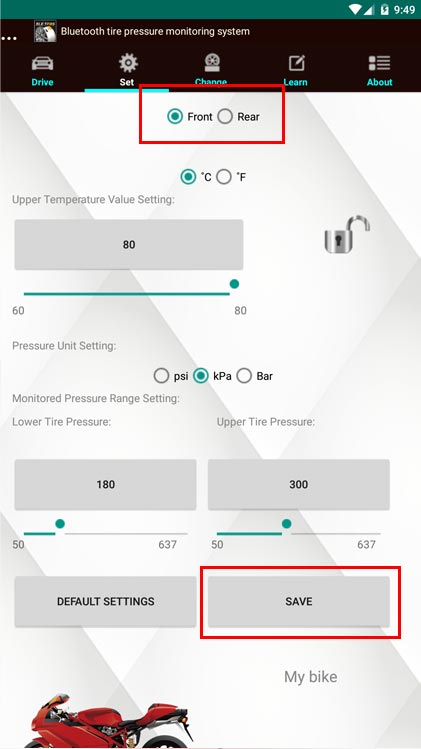
PS1: For the standard tire pressure value, please refer to the user manual.
PS2: Touch the vehicle photo for photo changing.
Subscribe
There are many more helpful small tools out there. Things that make you go Ah-Ha!
Not expensive, but very helpful.
If you're interested, subscribe to us and you'll receive the hottest news straight to your inbox.